Coming soon · Mac App Store
Mac
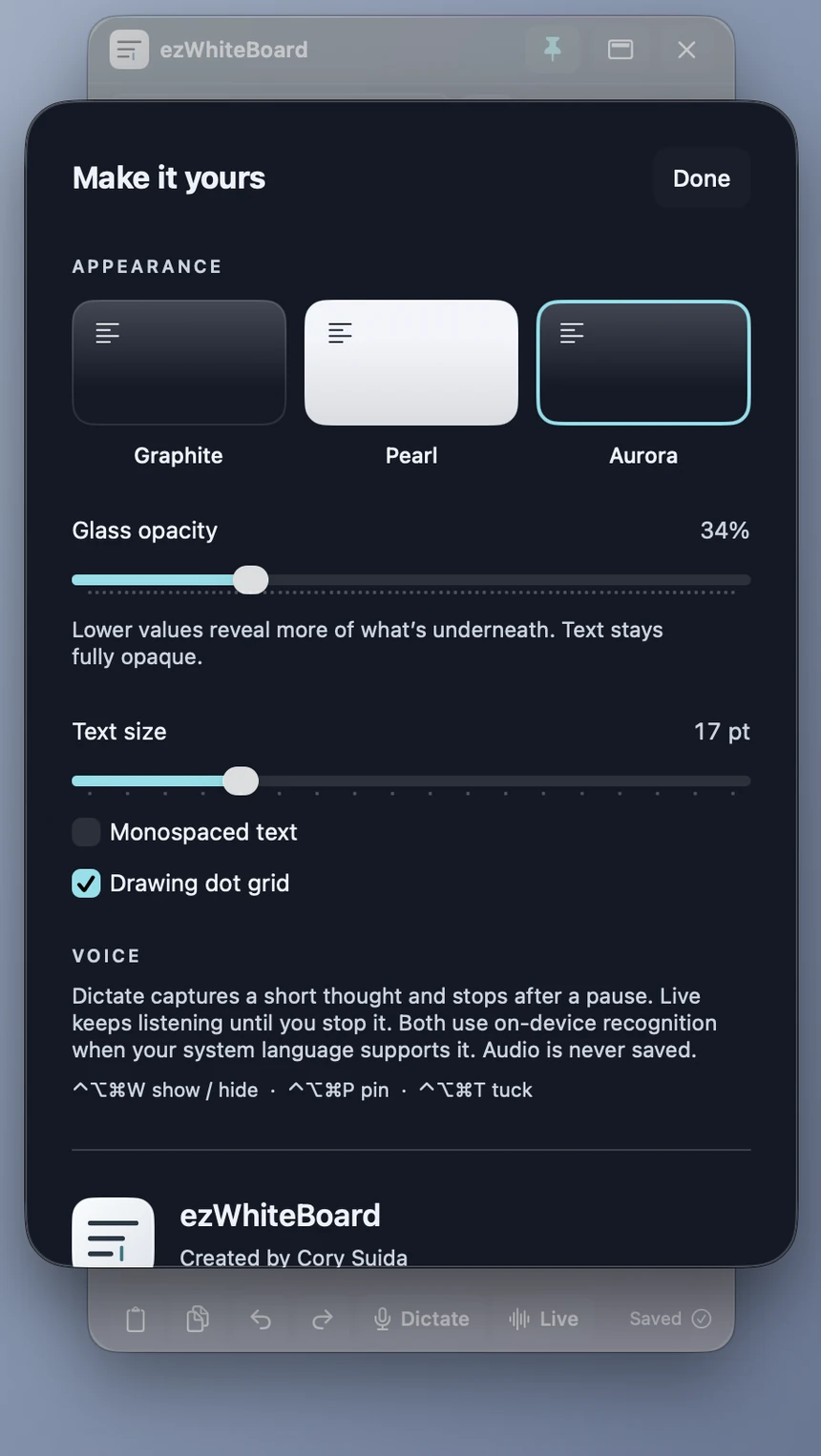
Requires macOS 14 or later. Floating panel, pin above other apps, top-edge tuck, menu-bar icon and keyboard shortcuts.
A little space for your next big idea.
A clean glass board for notes, sketches and spoken thoughts. On Mac it is a slender panel that floats beside your work, pins above other apps, and tucks into the top edge. On iPhone and iPad it is a native companion app.
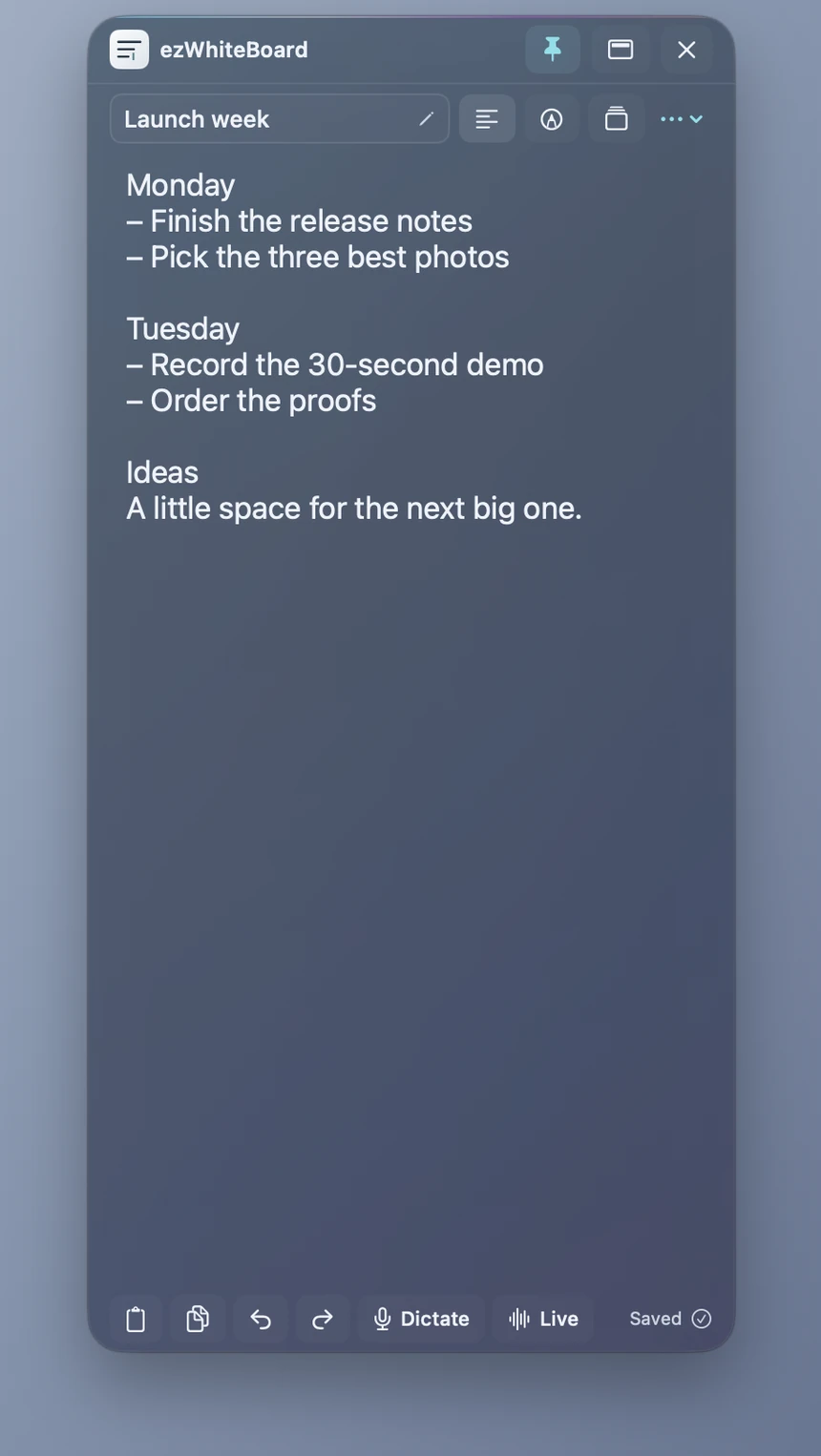
Requires macOS 14 or later. Floating panel, pin above other apps, top-edge tuck, menu-bar icon and keyboard shortcuts.
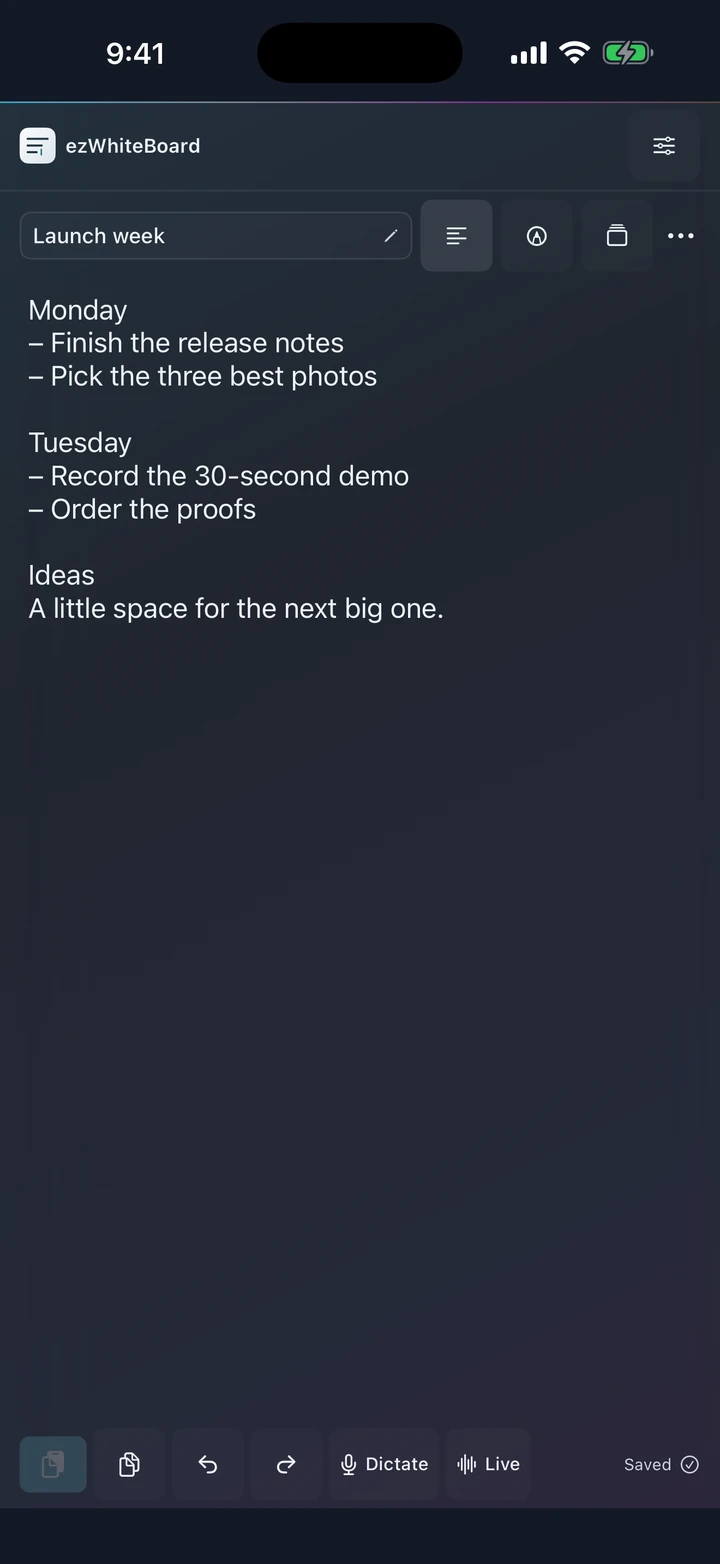
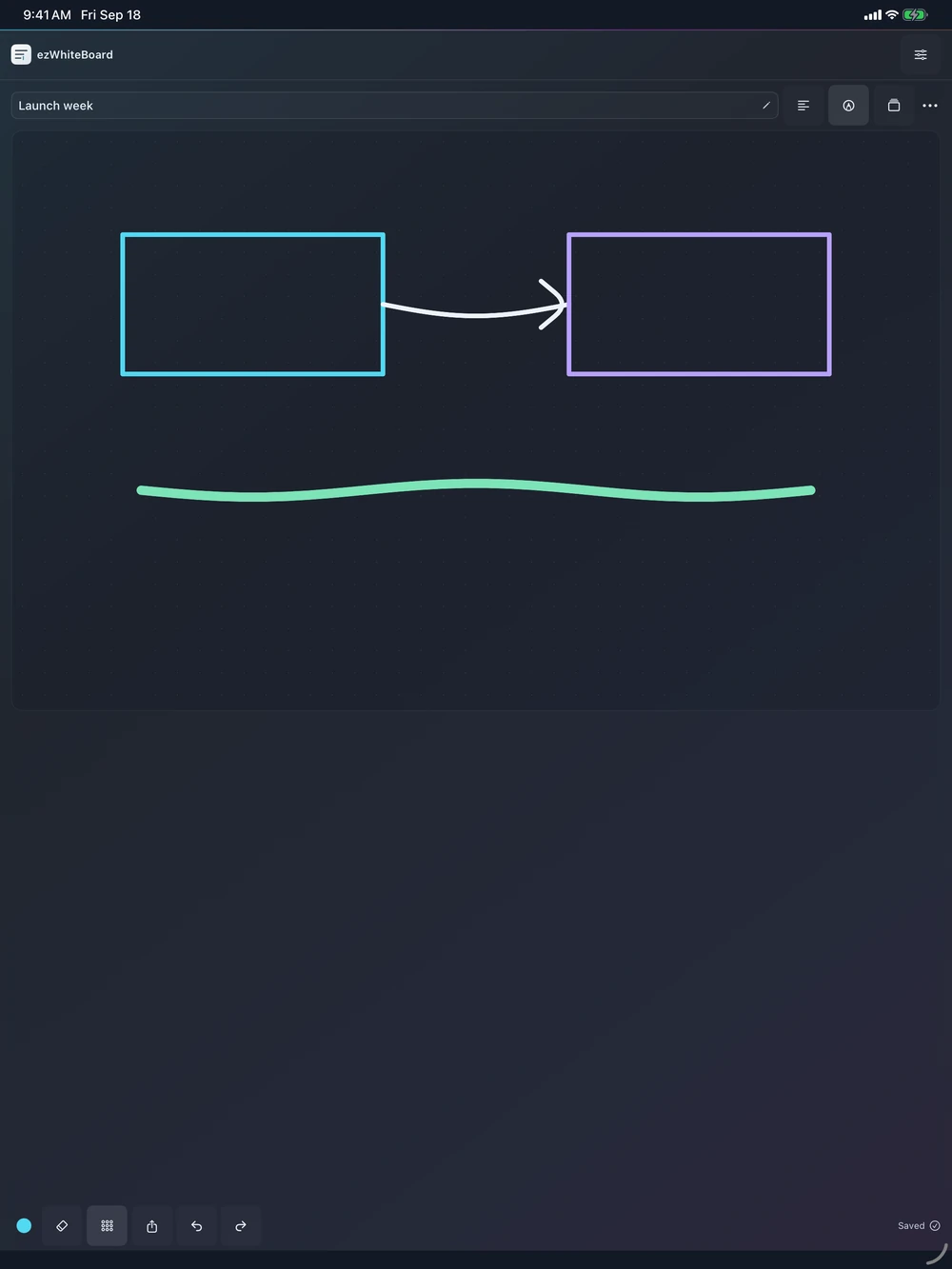
Requires iOS or iPadOS 17 or later. A regular native app for writing, sketching and voice. It does not float over other apps.
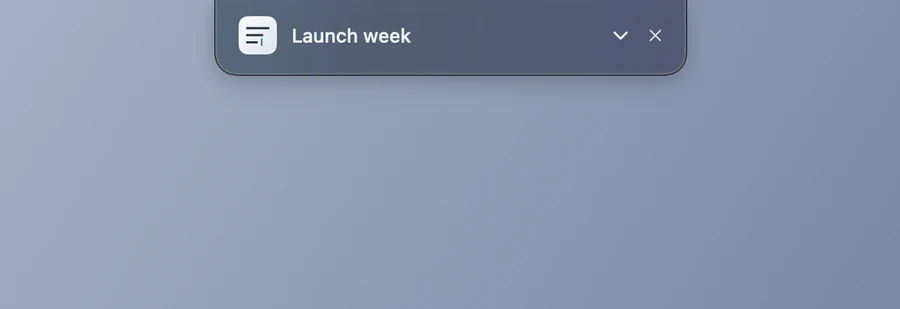
Pin your Mac board above other apps, or tuck it neatly into the top edge. A click on its menu-bar icon, or a shortcut, brings it back.
Smoky translucency, readable text, and just enough color. Adjust the opacity to fit your desktop. Text always stays fully opaque.
Type, draw, Dictate a quick thought, or start Live transcription. Choose Graphite, Pearl or Aurora.
Named boards save on your device as you work. Export a board file to open it on your other devices.
For a quick thought. Tap Dictate, say it, and pause. The words land on your board.
For thinking out loud. Live keeps transcribing while ezWhiteBoard is open in front of you.
Both use Apple's on-device speech recognition. If your language or device doesn't support it, voice input is unavailable and the app says so. Audio is never saved; only the words are.